
The best pool app depends on what you actually need it to do. Some apps calculate chemical dosing. Some connect to hardware that monitors your water around the clock. Some let you control your pump and heater from the couch. And some are just glorified notepads that don’t do much of anything useful. If you’re looking for a pool care app or pool maintenance app worth your time in 2026, here’s the honest breakdown — what’s good, what’s not, and what no app can replace.
Best Pool App for Chemical Dosing — Free, No Hardware
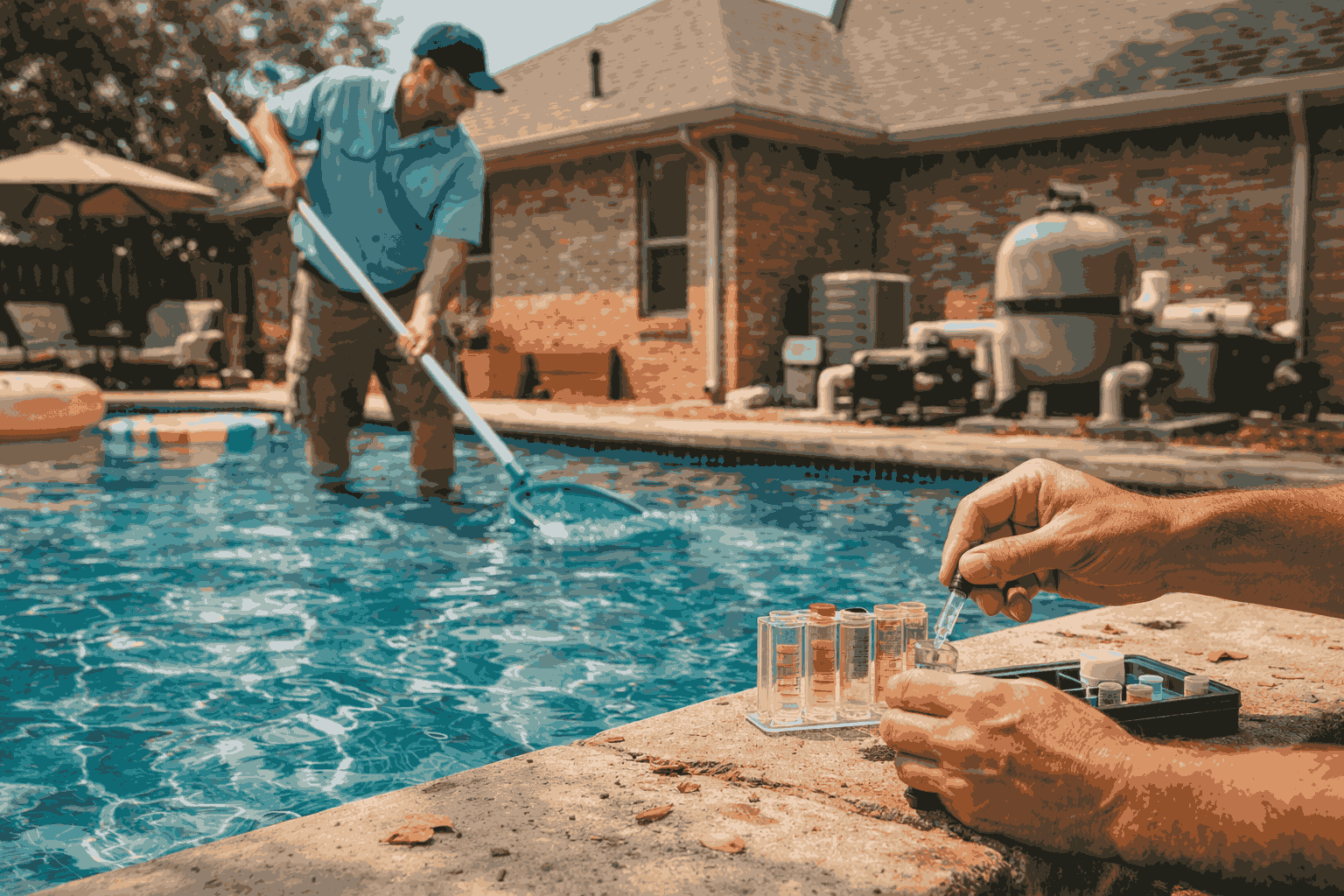
PoolMath by Trouble Free Pool. This is the best pool app for anyone doing their own chemistry. You enter your pool volume, current test results, and target levels, and it tells you exactly how much of each chemical to add. It’s built on the Trouble Free Pool methodology, which is chemistry-first and reliable. Free on the web, $5 for the mobile app. If you only download one pool maintenance app, make it this one. The Pool & Hot Tub Alliance emphasizes that accurate dosing based on test results is the foundation of proper pool care — and PoolMath does that math for you. Our water chemistry guide covers the target ranges you should plug into the calculator for DFW conditions.
Pool Pal. Tracks water test history, chemical additions, and maintenance tasks with reminders. Has a built-in dosing calculator and pool volume calculator. Free for basics, $5 to $10 for premium features. Good for DIY owners who want to keep records. Not as precise as PoolMath for dosing calculations, but better for overall maintenance tracking.
The ones that waste your time. There are dozens of generic pool care app options in the app stores that are basically timers and checklists wrapped in a pool theme. If the app doesn’t calculate dosing based on your actual pool volume and current chemistry, it’s not doing anything your phone’s built-in reminders can’t do. Skip anything that just tells you to “test weekly” without helping you act on the results.
Best Pool App for Smart Water Monitoring
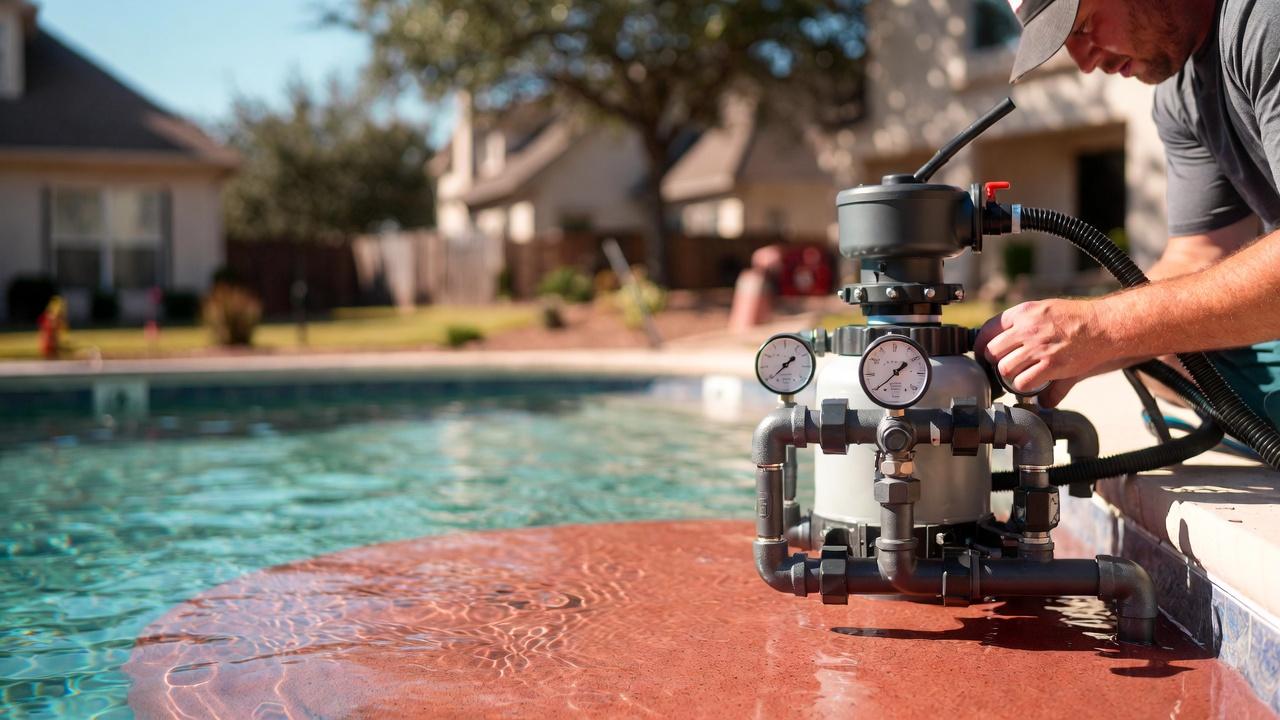
WaterGuru SENSE. The best pool app experience paired with hardware, in our opinion. It sits in your skimmer and monitors pH, chlorine, temperature, pump flow, and filter pressure — then sends everything to your phone. Chemistry plus equipment monitoring in one device. Cost: $300 to $400 plus subscription. For DFW, this is the most useful monitor because it catches both chemistry drift and equipment issues between service visits. Our smart pool technology guide covers how monitoring systems fit into the bigger picture.
Sutro Smart Monitor. Tests free chlorine, pH, and alkalinity three times per day automatically from a floating device. Sends results and dosing recommendations to the app. Cost: $300 to $400 plus $10 to $15 per month subscription. The automated testing schedule is the biggest advantage — you don’t have to remember to test. Good for DFW’s rapid summer chemistry changes. According to HomeAdvisor’s pool data, homeowners using continuous monitors alongside professional service report fewer emergency chemistry corrections.
pHin Smart Monitor. Continuous pH, ORP (sanitizer level), and temperature monitoring. Simpler than WaterGuru but cheaper at $100 to $150 plus a small monthly subscription. Sends alerts when levels drift and recommends specific chemicals. Good entry-level pool care app and hardware combo for budget-conscious owners.
What monitors miss. Every smart monitor tracks chlorine, pH, and maybe alkalinity. None of them test calcium hardness, CYA, phosphates, or TDS — the parameters that cause the biggest long-term problems in DFW hard water. Our water test results guide explains why those missing parameters matter so much in North Texas. Monitors are great early warning systems between professional visits, not replacements for comprehensive testing.



Best Pool App for Equipment Control
If you have a Pentair automation system, the IntelliCenter app is excellent — control pumps, heaters, lights, water features, and scheduling from your phone. The Pentair support page has compatibility details. Hayward’s OmniLogic app and Jandy’s iAqualink app offer the same scope for their respective systems. The Hayward support page covers their setup process. These are the best pool app options for remote control, but they require the matching automation hardware ($2,000 to $5,000 installed).
If you don’t have full automation, a $25 to $75 WiFi smart plug on your pump gives you basic remote on/off and scheduling for almost nothing. Our automation guide compares all three platforms.
Can Any Pool App Replace Professional Service?
No. Even the best pool app with the best hardware can’t physically clean your pool, inspect equipment for wear, catch a developing leak, diagnose a pump that sounds slightly wrong, or make complex chemistry decisions when four parameters are off simultaneously. DFW pools change too fast in summer for any technology to fully manage without professional intervention. The CDC recommends professional water testing alongside any home or automated testing to ensure accuracy.
Technology supplements service. It doesn’t replace it. The best setup is a good pool maintenance app for awareness between visits paired with professional weekly service for the work no app can do. The U.S. Department of Energy also notes that professionally optimized pump scheduling through automation saves more energy than owner-managed settings in most cases.
People Also Ask
What is the best pool maintenance app?
PoolMath by Trouble Free Pool is the best pool app for chemical dosing calculations. WaterGuru SENSE is the best hardware-plus-app combo for continuous monitoring. Pentair IntelliCenter is the best for equipment control.
Can I monitor my pool from my phone?
Yes, with a smart monitor like WaterGuru, Sutro, or pHin. They send chemistry readings to your phone throughout the day. Automation apps also let you monitor and control equipment remotely.
Are smart pool monitors worth it?
For DFW, yes. Our rapid chemistry changes in summer make continuous monitoring genuinely valuable as an early warning system. They’re not a replacement for professional testing but they catch drift between service visits.
Can technology replace pool service?
No. Apps and monitors handle data. They can’t physically clean, repair, or make the judgment calls that come from a trained technician inspecting your pool in person. Best results come from technology plus professional service working together. Our service page explains what we handle at every visit.
How much do smart pool systems cost?
Free apps: $0 to $10. Smart monitors: $100 to $400 plus subscriptions. Full automation systems: $2,000 to $5,000 installed. Smart plugs for basic pump control: $25 to $75.
PoolBurg Works Alongside Whatever Pool App You Use
Love the best pool app on the market? Great — we pair professional expertise with whatever smart tools you’ve got. Contact PoolBurg and we’ll integrate with your monitoring data, optimize your automation settings, and handle everything the technology can’t. Best of both worlds.