If your pool automation not working, you are probably incredibly frustrated. These smart systems are supposed to make your life completely effortless. But when you have a pool automation not working, it feels like a massive step backward into the dark ages of flipping manual breakers. Dealing with a pool automation not working is honestly one of the most common service calls we get across DFW.
Whether you need general pool automation troubleshooting or are facing highly specific pentair intellicenter problems, you need answers fast. If you are staring at your phone and seeing your pool app not connecting, do not panic. This guide covers exactly how to rescue your backyard when your pool automation not working.

Your Smart System Stopped Being Smart: Why Is My pool automation not working?
Automation platforms like Pentair IntelliCenter, Jandy iAquaLink, and Hayward OmniLogic are incredibly powerful, but they are definitely not infallible. DFW power surges from intense summer storms and brutal heat easily cause a pool automation not working crisis. Most of the time, the fixes are surprisingly straightforward once you know where to look.
Universal pool automation troubleshooting (All Brands)
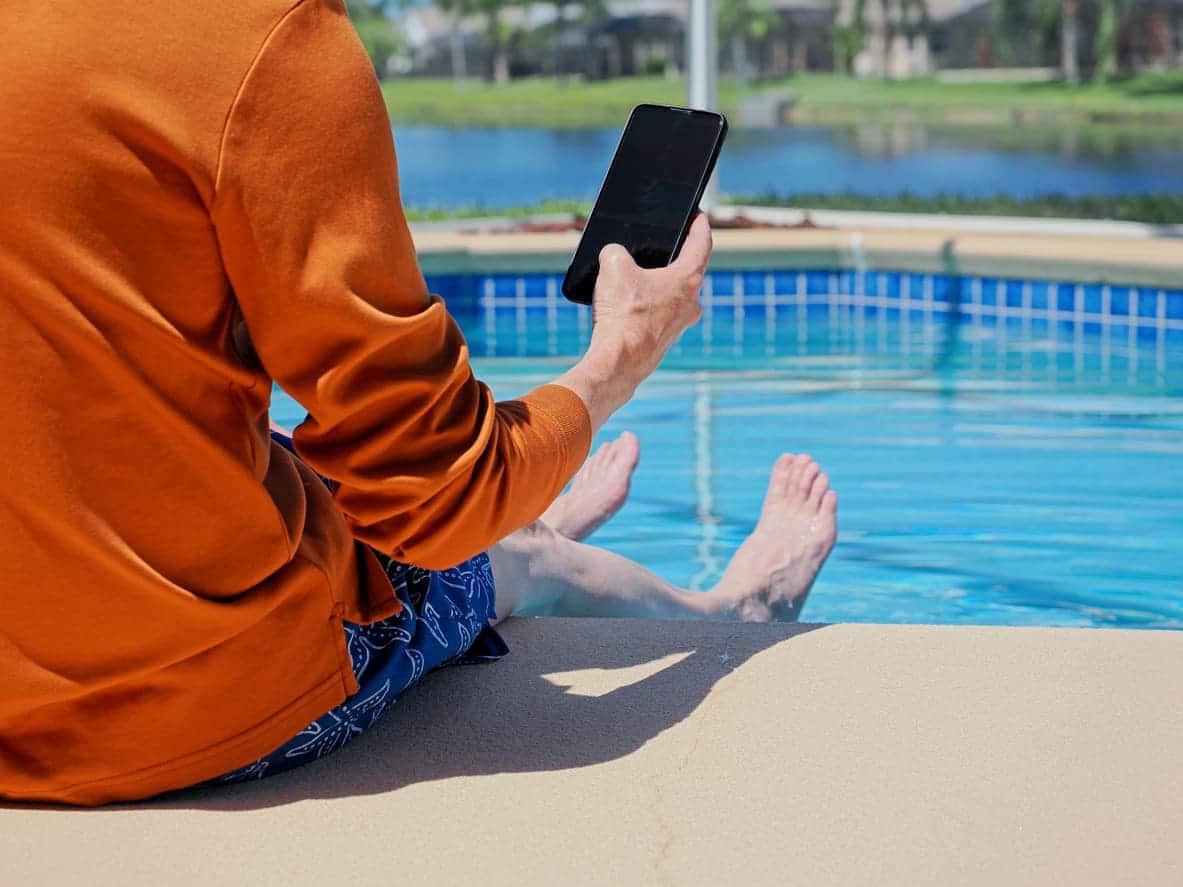
The pool app not connecting to your system
If your pool app not connecting, always check your home WiFi first. Ensure the system’s wireless adapter is actually powered on. In DFW, equipment pads are often 50+ feet from the home router, leading to weak signals and a frustrating pool automation not working error. Sometimes, a brief power outage resets your router’s IP address. To fix a pool app not connecting, simply power-cycle the automation panel by turning the main breaker off for 30 seconds.
Equipment not responding to commands
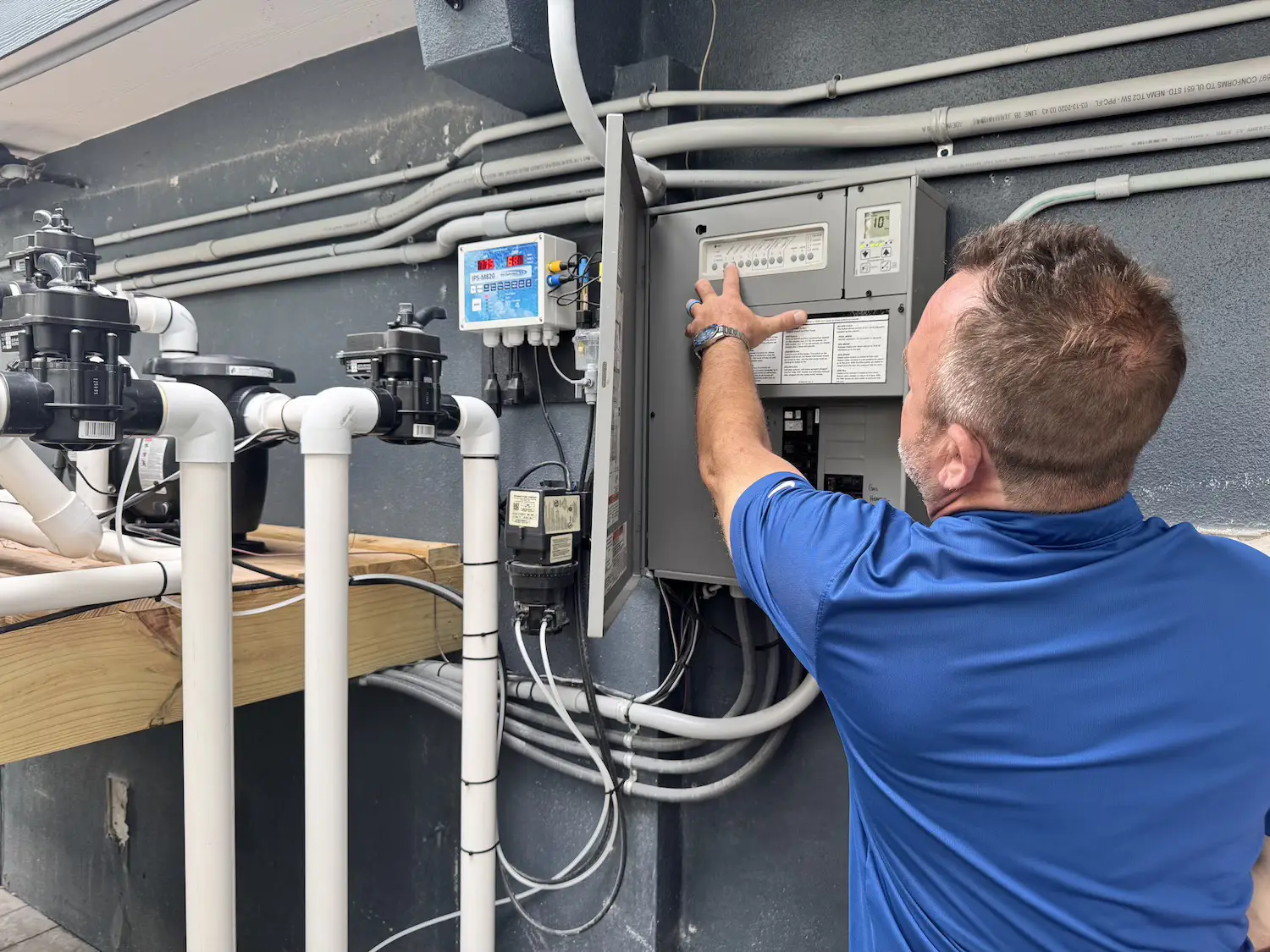
If you hit a button in the app and nothing happens outside, your pool automation not working issue might be a bad relay. According to local industry experts, relay failures happen very frequently after a few years of direct exposure to Texas heat. Listen closely—if you don’t hear a distinct “click” when toggling the equipment, you likely need a relay replacement ($50-$150).
Schedules not running
Sometimes a pool automation not working means your daily schedules just vanished. A quick power outage might have reset the internal clock. Verify the date and time on your main panel and re-enter your schedules to complete your pool automation troubleshooting.
Touchscreen unresponsive or glitchy
DFW heat completely destroys delicate electronics. Equipment pad temperatures easily reach 140°F in direct sunlight, directly causing a pool automation not working scenario. Shading the panel with a small cover or sail dramatically reduces pool automation not working complaints during August.
Fixing pentair intellicenter problems
“No communication” with equipment
When dealing with pentair intellicenter problems, a “no communication” error is super common. Check the bus cable connections between the main panel and the interface boards. The Pentair system performs absolutely best within its own closed ecosystem, so matching your equipment is key.
ScreenLogic app connectivity issues
If you have a pool app not connecting specifically on a Pentair setup, verify the ScreenLogic adapter has a solid LED light. Re-pairing the adapter usually solves these annoying pentair intellicenter problems. If the adapter totally failed, replacing it costs $250-$400.
Firmware update issues
Occasional software update hiccups are notorious for causing temporary pentair intellicenter problems. If your system acts unstable immediately after an over-the-air update, it might be time for professional pool automation troubleshooting.
Jandy iAqualink Troubleshooting
iAqualink app showing “offline”
Jandy has long been the industry standard for simple, dependable remote control. But if your pool app not connecting, check the wireless antenna module near the pad. Power cycle it by unplugging it for 30 seconds. If the LED flashes weirdly, the module might need replacing. You can browse Jandy replacement parts to check current availability.
Alexa/Google Assistant not controlling pool
If your voice commands fail and your pool automation not working, re-link the iAquaLink skill in your smart home app.
Hayward OmniLogic Troubleshooting
Touchscreen frozen or looping
Hayward systems deliver strong smart-pool capabilities, but they can still freeze up. If your pool automation not working, flip the breaker off for 60 seconds. DFW heat is the number one cause of OmniLogic touchscreen failures, so keep it shaded. You can learn more about their systems on the Hayward official website.
Theme programming not working
If a programmed “theme” stops working, re-create it in the app. Firmware updates sometimes corrupt these saved themes, leading to an annoying pool automation not working situation.
When to Call a Pro vs. The Manufacturer
Call us for general pool automation troubleshooting, bad relays, and wiring issues. Call the manufacturer for firmware bugs and warranty defects. To learn more about modern tech, check out our guide to the smart pool automation.
Protecting Your System in DFW
To avoid a pool automation not working headache entirely, install a surge protector on the pool electrical panel ($100-$300). Ensure strong WiFi at the equipment pad using a mesh network node to prevent a pool app not connecting.
People Also Ask
Why is my pool automation not working?
A pool automation not working usually stems from dropped WiFi, a fried relay switch, or severe heat damage to the motherboard.
Why won’t my pool app connect?
If your pool app not connecting, it is almost always a weak router signal or a recently changed home WiFi password.
How do I fix pentair intellicenter problems?
Most pentair intellicenter problems are resolved by safely power-cycling the main breaker and checking the RS-485 communication cables. For more details, visit Pentair’s automation page.
Can DFW storms damage my system?
Yes, lightning strikes and power surges easily fry circuit boards, leaving your pool automation not working. Check out the weather forecats for severe storm alerts.
How much does repair cost?
According to HomeAdvisor swimming pool cost data, replacing a fried automation motherboard can cost $300 to over $1,000 depending on the brand.
PoolBurg Fixes Your pool automation not working
Tired of your pool automation not working? We handle everything from basic pool automation troubleshooting to severe pentair intellicenter problems. We repair Pentair, Jandy, and Hayward systems seamlessly. Contact us for professional pool electrical repair today, and stop stressing over a pool automation not working!