There is a special kind of frustration that happens when your pool app says everything is fine, but your pump, heater, lights, or spa spillover clearly did not get the memo. One minute, your backyard feels like a smart resort. The next, you are standing by the equipment pad poking buttons like it is 2008 again. If your pool automation not working problem started suddenly, do not panic yet.
In many cases, the issue is not the entire system failing. It could be WiFi, power, a frozen panel, a tripped breaker, a bad relay, or equipment that is no longer communicating with the controller.
Modern pool automation systems can control pumps, lights, heaters, cleaners, spa modes, and multiple auxiliary circuits. Pentair notes that IntelliCenter systems can work through a touchscreen panel, remotes, and app connection through WiFi or wired Ethernet, which means there are several places where communication can break down.
Why Pool Automation Problems Feel So Confusing
The tricky thing about pool automation troubleshooting is that the symptoms can look the same even when the causes are different.
For example:
- Your app may show offline because the home internet is down.
- Your pump may not start because the schedule is disabled.
- Your heater may not turn on because the water flow sensor is not satisfied.
- Your lights may not respond because a relay or transformer has failed.
- Your spa mode may act strange because a valve actuator is stuck.
That is why “my pool app not connecting” does not always mean the app is the problem. The app is just the part you notice first.
Start With The Simple Stuff First
Before assuming you have major Pentair IntelliCenter problems, start with the basics. Many service calls begin with something surprisingly small.
Check these first:
- Make sure your home WiFi is working.
- Confirm the automation panel has power.
- Look for tripped breakers or GFCI outlets.
- Restart the app and check for updates.
- Check whether the system is in service mode.
- Confirm the pump schedule did not get deleted.
- Look at the outdoor panel for error messages.
If your app is working but the equipment is not responding, the issue may be at the equipment pad rather than the phone. If the outdoor panel is dead, then the issue may be power-related. If the panel works but the app does not, you may be dealing with a network or account connection issue.
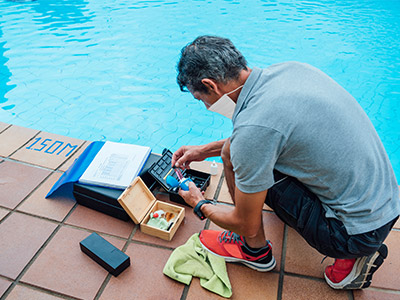
Common Reasons Pool Automation Stops Working
Here are the usual suspects when pool automation not working becomes the headache of the week.
1. Weak WiFi At The Equipment Pad
Pool equipment is often installed on the side of the house, behind brick walls, fences, AC units, or landscaping. That is not exactly prime WiFi territory. Even if your phone works fine inside, the automation panel may have a weak or unstable signal outside.
This is especially common in DFW homes with larger lots or equipment pads tucked far away from the router.
2. Power Surges And Storm Damage
North Texas storms can be rough on pool equipment. A power flicker, surge, lightning event, or breaker trip can confuse automation systems. Sometimes the panel simply needs to be reset. Other times, a board, relay, transformer, actuator, or communication module may be damaged.
If the issue started after a storm, mention that when you call for service.
3. Service Mode Was Left On
This one happens all the time. A technician, homeowner, or previous owner may place the system into service mode while working on the pool. When automation is in service mode, app commands and schedules may not work the way you expect.
Before you assume the controller is broken, check the mode on the panel.
4. Valve Actuators Are Not Moving
If your spa, waterfall, cleaner line, or return flow is acting weird, the problem may not be the automation brain. It might be a valve actuator that is stuck, unplugged, misaligned, or failing.
This is why good pool automation troubleshooting should include both the control system and the physical equipment.
5. Schedules Got Changed Or Deleted
Sometimes the pool is not broken. It is just not scheduled to run. App updates, user changes, power events, or accidental taps can alter schedules. If the pump is not running when expected, open the schedule settings before assuming the worst.
When Pentair IntelliCenter Problems Need A Technician
Some Pentair IntelliCenter problems are simple settings issues. Others require electrical testing and pool equipment knowledge.
Call a pool professional if:
- The panel has no power.
- Breakers trip repeatedly.
- The app connects but equipment does not respond.
- Relays click but equipment does not start.
- Valve actuators buzz, stall, or fail to rotate.
- The pump shows communication errors.
- The heater will not fire even when automation calls for heat.
- The issue started after lightning, flooding, or a major power surge.
Pool automation combines low-voltage communication, high-voltage equipment, water flow, sensors, relays, and app-based controls. That is not the place to guess if you are not comfortable around electrical systems.
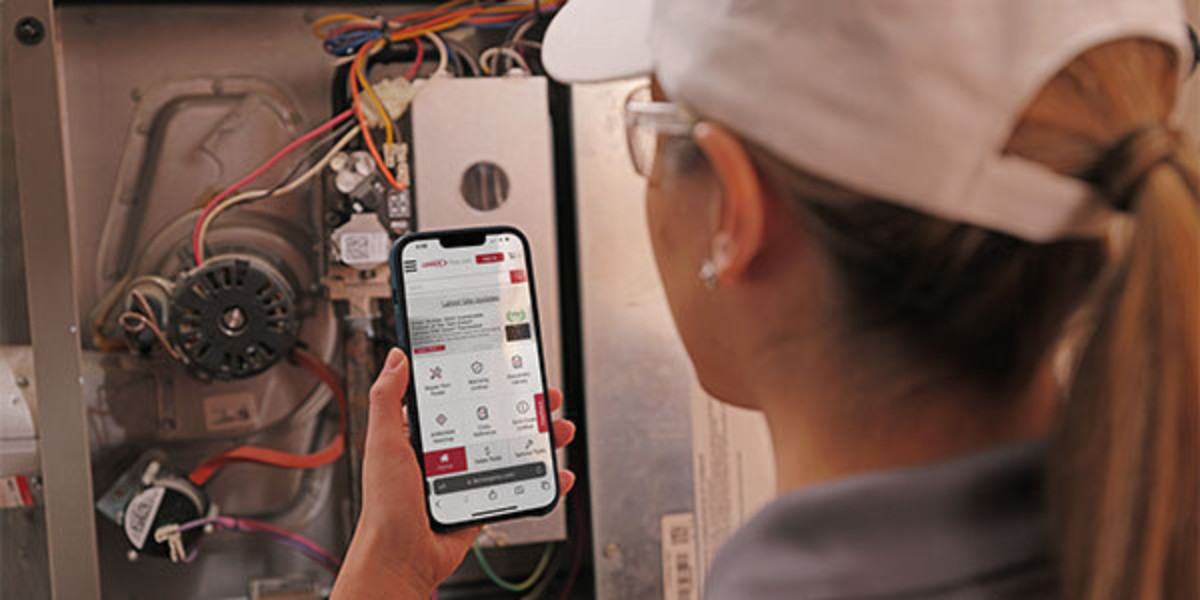
Why DFW Pool Owners See Automation Issues Often
DFW pools work hard. Summer heat, long pump run times, storms, dust, freeze protection events, and year-round pool use can all put stress on automation systems. A controller that works perfectly in spring may start acting up after a brutal summer or a cold snap.
That is why PoolBurg always looks at the full picture. The app may be the complaint, but the real cause might be the pump, breaker, relay, actuator, heater, sensor, or WiFi setup.
Final Thoughts
When your pool automation not working problem shows up, do not immediately assume the whole system is dead. Start with power, WiFi, mode settings, schedules, and app connection. Then look at whether the physical equipment is actually responding.
If the issue keeps coming back, that is when a professional inspection makes sense. A good technician can separate simple app trouble from real equipment failure and help you avoid replacing parts that were never the problem in the first place.
For DFW homeowners, reliable automation is not just a luxury. It keeps your pump running, your water moving, your heater controlled, and your backyard easier to enjoy. And honestly, if the pool is going to be smart, it should at least answer when you tap the button.