Is your phone displaying a pool controller offline alert? Start by verifying if the outdoor panel is powered on and functioning locally. If local controls work but the app remains unresponsive, the issue likely stems from your WiFi, updated router settings, app credentials, or the manufacturer’s server. Conversely, a blank or non-responsive outdoor panel indicates potential issues with the power supply, wiring, network module, or the hardware itself.
Why a Pool Controller Offline Warning Matters
Smart automation has two paths. The controller communicates locally with equipment, while its network connection reaches the router, internet, cloud account, and phone app. A break in the second path can make healthy pool equipment look unavailable.
Remote access handles pump schedules, heater settings, spa mode, lights, and alerts. The Pentair Pool app overview shows how many functions can share one dashboard, explaining why an offline warning feels bigger than a normal WiFi hiccup.
Common Reasons Pool Automation Loses WiFi
The most common causes include:
- Weak signal at an outdoor equipment pad or inside a metal enclosure
- A new router, network name, WiFi password, or internet provider
- A power outage that restarted the router and controller at different times
- A model-specific 2.4 GHz network requirement
- An expired app session, changed account, or app migration
- Firmware trouble, a failed antenna, or a network-module fault
The Hayward OmniLogic manual requires 2.4 GHz and provides SSID, signal, and IP diagnostics. Jandy’s iAquaLink 3.0 support explains its standards, signal indicator, antenna placement, and wired option. Follow the exact controller manual instead of changing every router setting at once.
What Homeowners Can Check First
Confirm another device can use the internet, then open the correct app and sign in again. Check the panel for power, connection icons, warning lights, network name, and signal strength. Note any recent password change, new router, mesh upgrade, outage, app update, or service visit.
If the pad signal is weak, test closer to the controller. Google’s WiFi device placement guidance recommends placing a mesh point partway toward a weak area, not inside the dead zone. Pentair’s IntelliConnect pairing guide separates WiFi connection from server connection, helping identify where the path stops.
Do not factory-reset the controller without its manual and configuration details. A reset can create more work than a simple pool automation WiFi problem.
WiFi Problem Versus Automation Hardware Problem
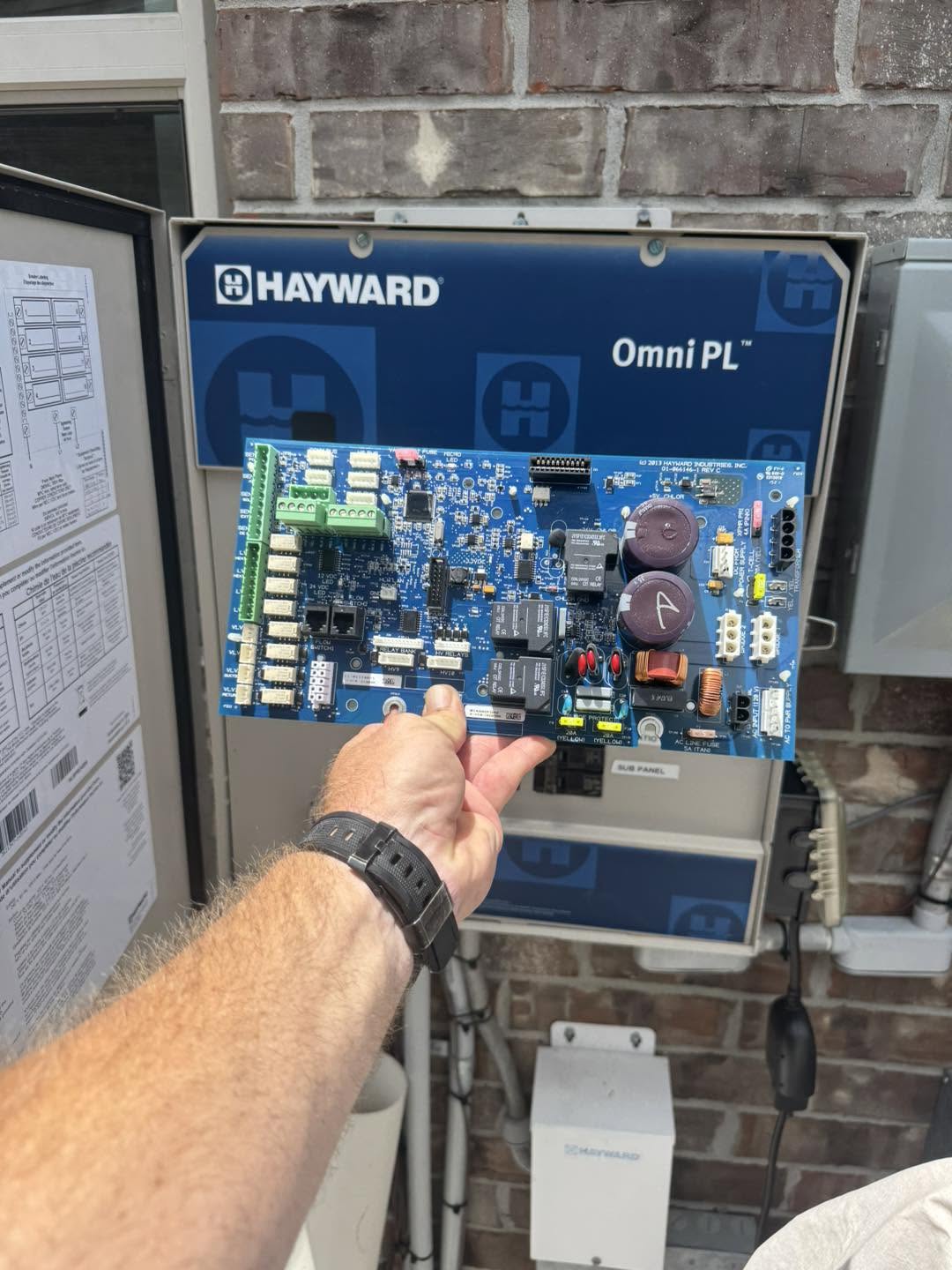
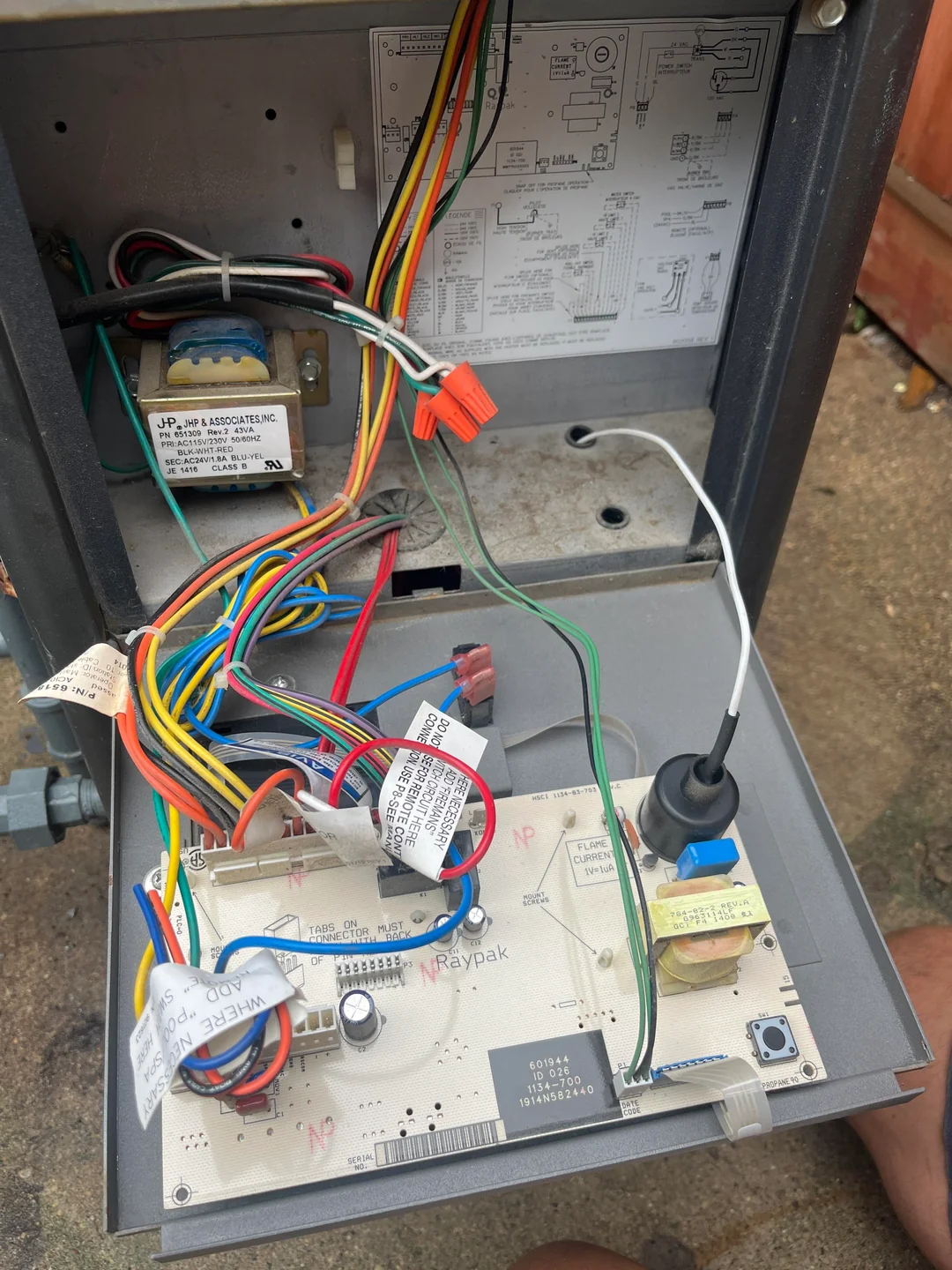
If the app is offline but the panel operates equipment normally, focus on the network and account path. If the app sends a command but a valve never turns, investigate pool valve actuator not working. A blank panel or repeated reboots may require power and board testing, including possible pool heater control board failure when only the heater is affected.
If the panel and app work but the heater reports a fault, read the pool heater error codes. Good pool automation troubleshooting separates connection trouble from a relay, actuator, heater, pump, or plumbing failure.
Why Automation Trouble Affects More Than Convenience
A pool app not connecting can hide schedules, spa mode, heat, lights, or warnings. Local schedules and protection features may continue on some systems, but never assume they did. Verify the time, mode, pump schedule, and freeze-protection status at the panel.
Pentair’s IntelliCenter troubleshooting guide notes that internet access affects over-the-air firmware. During freezing weather or before heating a spa, confirm operation directly instead of trusting a stale screen.
People Also Ask
Why is my pool automation not connecting to WiFi?
Likely causes include weak signal, changed router details, a 2.4 GHz requirement, an outage, app trouble, firmware, or a failed communication module.
Why is my pool app offline?
The controller may have lost WiFi or internet, the app session may have expired, or the manufacturer’s remote service may be unavailable.
Can a power outage reset pool automation?
It can interrupt connections and affect some clocks or settings. After power returns, verify the panel, router, schedules, and equipment status.
Does weak WiFi affect pool controls?
It affects remote commands and updates. Local panel control may still work when the controller and equipment are healthy.
Why can I control the pool from the panel but not the app?
That points toward WiFi, internet, account, app, or communication-module trouble rather than the pump or heater.
Should I call a pool technician or internet provider?
Call the internet provider when the whole home is offline. Call a pool technician when the panel, relays, actuators, or connected equipment also misbehave.
PoolBurg Can Find Where the Connection Stops
A pool controller offline issue is common in connected homes around Frisco, Plano, McKinney, Allen, Southlake, Grapevine, Las Colinas, and Prosper. PoolBurg can test the signal, app setup, controller status, automation hardware, and connected equipment. Contact PoolBurg to restore control without replacing parts blindly.